TeraBox User Guide 2026
Everything you need to know about setting up TeraBox, using its features safely, and how it compares to alternatives like Google Drive or Dropbox.
Thank you for reading this post, don't forget to subscribe!Cloud storage has become an essential part of digital life. With 1024GB (1TB) of free cloud storage, TeraBox is widely used for backing up photos, videos, documents, and other files. This guide explains how to get started, what TeraBox offers in 2026, and practical safety tips to consider before relying on any cloud platform.
How to Get Started with TeraBox (Quick Start)
- Install the official app. Download TeraBox from the Google Play Store (Android) or the App Store (iPhone), or use the web version on your computer.
- Create a free account. Sign up with email or a Google account. Your 1TB of free storage is activated immediately.
- Turn on auto-backup. In Settings, enable automatic photo and video backup so new files save to the cloud in the background.
- Upload and organize. Add files manually into folders, or let auto-backup handle your camera roll.
- Share safely. Create share links with a password and an expiry date so you stay in control of who sees your files.
Why TeraBox Is Popular in 2026
TeraBox is popular because it offers a large free storage allocation, multi-device access, and straightforward backup workflows. It supports Android, iOS, and desktop. Some builds also promote AI-style features such as improved search and organization, depending on the app version and region.
Frequently Asked Questions
1) Where is TeraBox based and who owns it?
TeraBox is operated by Flextech Inc., headquartered in Tokyo, Japan. It originally launched as “Dubox” in 2020, which is why some users still ask about its origins. Ownership details can change over time, so verify via official TeraBox channels for the latest.
2) Is TeraBox reliable for cloud storage?
For everyday file backup and access, many users find TeraBox stable and easy to use. As with any cloud service, consider adding your own encryption for highly sensitive files (financial, identity, or private legal documents).
3) Is it safe from viruses and malware?
The safest approach is to install TeraBox only from the official app stores, and to scan any downloaded files before opening them. Avoid unofficial “mod” or “unlocked” APKs from unknown mirrors — they can contain malware and put your files at risk.
4) Is TeraBox really free long-term?
TeraBox offers a free plan that includes around 1024GB (1TB) of storage. Availability and conditions can vary by region, app version, and account status, so always confirm within the official app or plan page.
5) How does it compare to Google Drive and Dropbox?
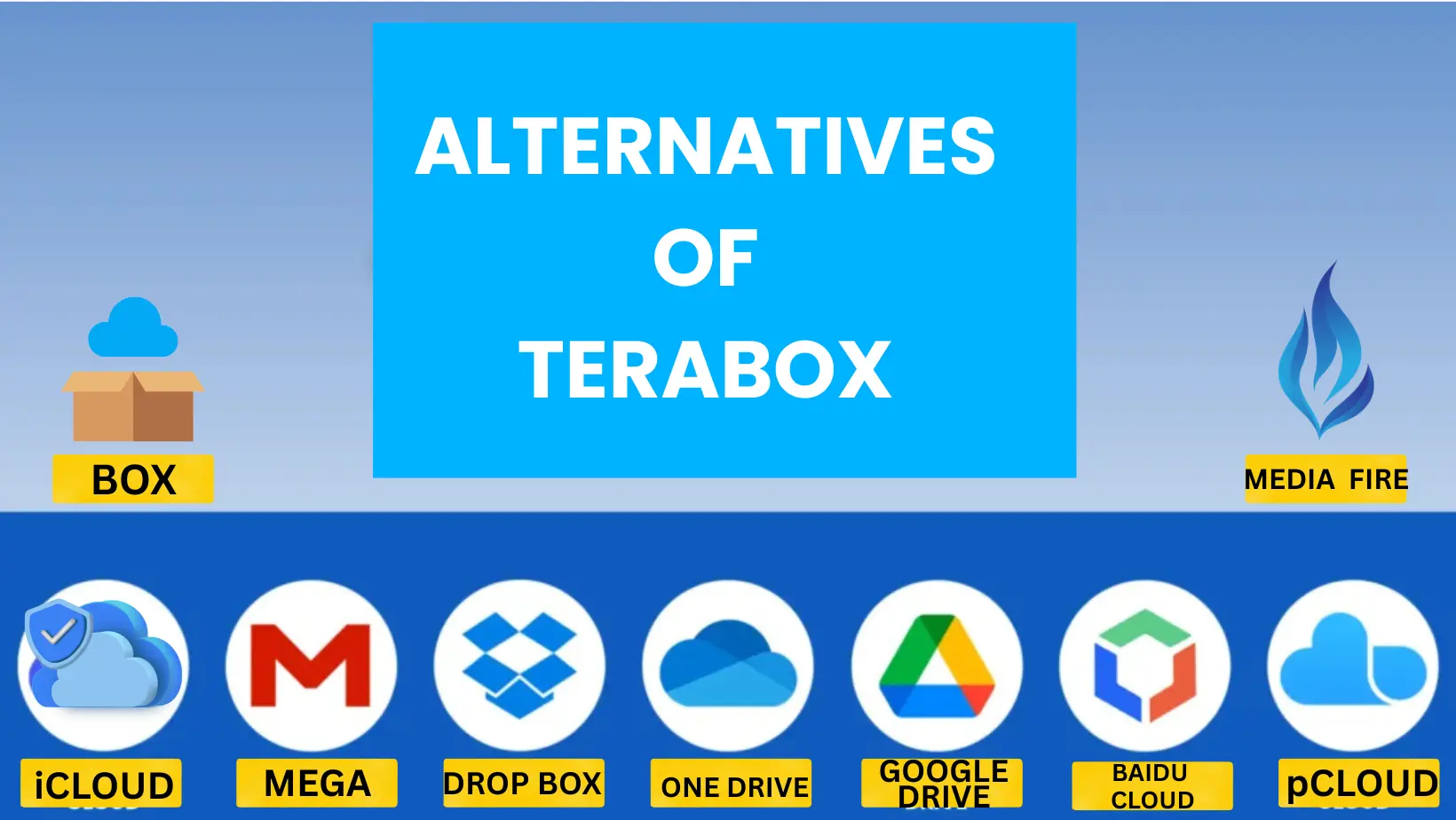
Google Drive often wins on integrations (Gmail, Docs/Sheets, Workspace). Dropbox is strong for sharing and collaboration. TeraBox is frequently chosen for its large free storage allocation, making it attractive for bulk backups and media libraries.
6) How much does TeraBox Premium cost?
Premium pricing varies by country, platform, and current promotions. Always check the in-app subscription screen or the official pricing page for the most accurate price.
7) Is the Personal Vault safe?
TeraBox includes a “Personal Vault” / locked-folder feature in some versions that adds an extra layer of protection. For best results, use a strong password, enable two-factor authentication where available, and keep device security on.
Conclusion: Is TeraBox Worth Using in 2026?
If you want generous free storage for backups and media, TeraBox is a practical option. If you need deep productivity integrations, Google Drive or Microsoft OneDrive may fit better. For maximum security, take a “trust but verify” approach: strong passwords, 2FA, careful permissions, and optional extra encryption.
Reference: official TeraBox user guide on the TeraBox blog.
https://blog.terabox.com/terabox-user-guide-clear-answers-to-your-questions
Ready to get started? Download the TeraBox MOD APK with all features unlocked, check the TeraBox APK download, learn how to earn money with TeraBox, or troubleshoot with our TeraBox not working fixes.